Hi guys how are you?
I hope you are fine.
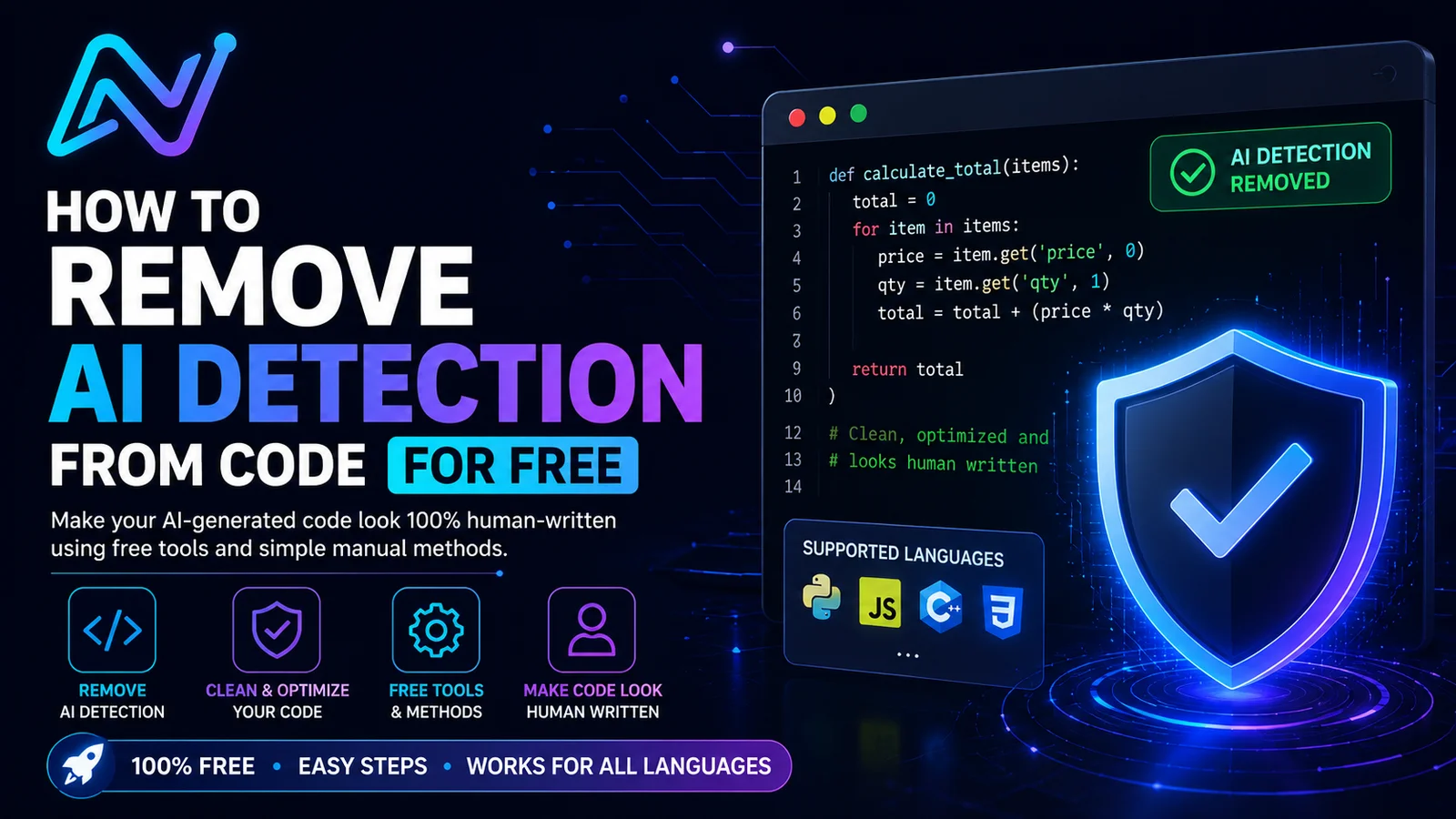
Today i will talk about how we can remove ai detection from code for free?
Many peoples like programmers write code like javascript, Css, python, c++ etc with the help of AI and they worried that someone might detect it?
Maybe you are a person who wriiten the code and wants that your code should look orignal and AI free then you should not be worried and you have come on correct place because there are many free tools and simple and easy method to remove AI detection from the code for free.
Today i will explain you everything in easy language so that you can understand easily.
What is “AI Detection” in Code?
Before going to solution lets first discuss about what is AI detection in code.
It is a method to check this piece of computer code was written by AI not by human.
Example of AI detection.
Human written:
total = 0
for price in prices:
total += price
print(total)
AI written:
def calculate_total(prices):
total_price = sum(prices)
return total_price
print(calculate_total(prices))
AI detector can say that the second example is AI generated because it has different style and structure and first example and different style and structure.
There are many free methods and tools to remove AI detection but first of all we discuss about free manual method.
Tools to Remove AI detection:
There are many tools and manual method to remove AI detection.First of all we talk about tools.
1.My tool
My Tool is an AI-based tool that refines and optimizes AI-generated code to make it appear more natural and human-written. It improves the code’s readability, structure, and formatting, while maintaining its original functionality.
2.Deslopper
Desloper is a free tool which you can use to clean your code and use to remove AI detection.It is a free tool and it has a option whose name is – – fix that automaticaly cleans up the code and issues.It also has chrome extension.
3.AI Slop remover
It is also a good tool to remove AI detection from code for free. You can get a its paid version to remove its unnecessary parts.
This tool is best for those person who care about their privacy and for those who want a detailed analysis.
4.AI Shield
It is a completly free tool. It is a language-agnostic code obfuscator. It changes the structure of your code by while keeping it fully functional.http://comments.go/
5.Bypassai
It is also a tool to remove AI detection free in which paste the code you want to remove AI detection or paste the file or code.
After that your AI detection code will be cleaned.Its is also a free tool.
Manual Methods to Remove AI Detection
If you don’t want to use tool then you can use manual method.
1.Rewrite Comments in Your Own Words
Many times AI ads too many comments. Go tp your code and remove the code that and clear and easy to understand.
2.Remove the Dead code
AI some times leaves unused variable or functions that are useless. Delete them and cleans it.It will look more human written.
3.Change Variable Names
Change variable names to more personal.
Example: change temp to userinput or data to customerlist.
AI use common name such as:
AI use common name such as:
const data = getUsers();
Use:
const registeredUsers = getUsers();
FAQs:
Can i remove AI detection completely?
Yes of course. You can remove AI detection free With the method and tools that i have told you you can reduce or completely remove AI detection from your code. But there is not 100% gurantee because some tools are evolving.
Does i have to pay for this?
No there are maximum tools from which you can remove AI detection free but you can paid their premium plan to get more best feature.
Conclusion:
I hope guys after reading this article “how to remove AI detection from the code free” you have got a lot of knowledge.
At the end, Removing AI detection from your code is very easy then you think. You can RemoveAI detection with many free tools that I have told you before and you can use manual method that I have told you With these tools or method you can completely Remove AI detection from your code.